

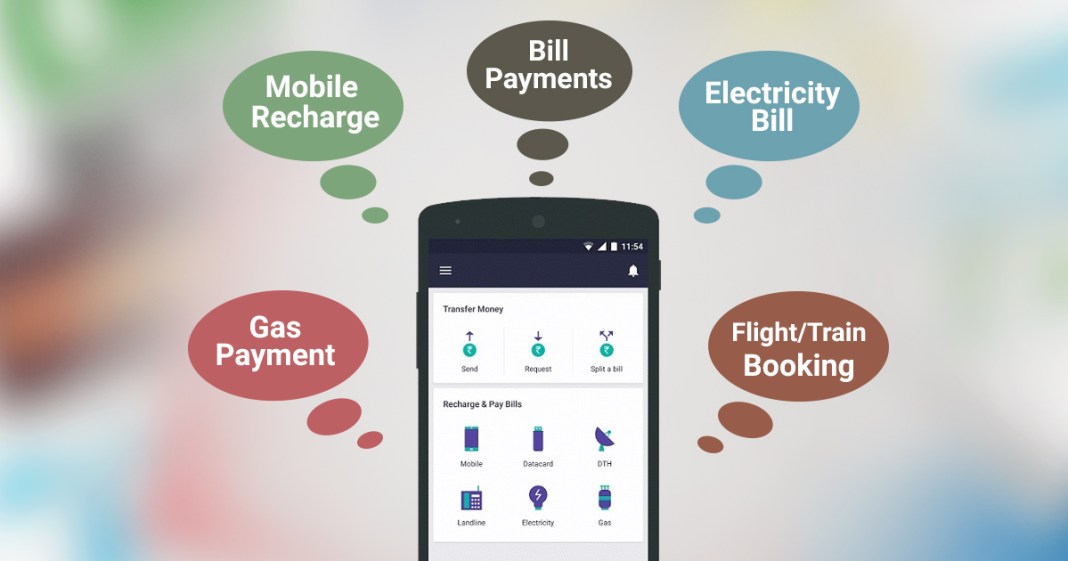
Digital payments have reshaped the way people handle everyday transactions. From grocery purchases to utility bills, UPI has become a trusted and widely used payment method across India. With the rise of faster, more flexible platforms, many users are exploring new UPI payment apps or opting for UPI Lite apps for small-value transactions. While these systems are designed for convenience, occasional technical issues can occur. Understanding how to troubleshoot common problems ensures a smoother and stress-free payment experience.
Common Reasons Behind UPI Issues
Even though UPI transactions are typically instant, users may sometimes encounter minor disruptions. These can happen due to:
- Weak or unstable internet connection
- Temporary bank server downtime
- Incorrect PIN entry
- Outdated app version
- Insufficient balance in the linked account
Before assuming there is a major issue, check your connectivity and ensure your bank’s services are functioning normally. Whether you are using a traditional app or a Lite payment app, most minor glitches are temporary and resolve quickly.
How to Handle Failed or Pending Transactions?
One of the most common concerns with UPI is a transaction that appears as pending or failed. This situation can be confusing, especially if the amount is debited but not credited to the recipient.
Here’s what you should do:
- Avoid initiating repeated payments immediately
- Check transaction status in your payment history
- Wait for confirmation before retrying
- Verify your bank account balance
If you recently switched to a new UPI payment app, ensure your bank account is properly linked and verified. In many cases, pending payments are automatically reversed if unsuccessful.
Fixing Login and Authentication Problems
Login errors are another frequent issue. These may arise due to incorrect credentials or device-related settings. If you face difficulties accessing UPI, consider the following steps:
- Update the app to the latest version.
- Ensure your registered mobile number is active.
- Reset your UPI PIN securely within the app.
- Check SMS permissions for authentication.
When using a UPI Lite payment app, confirm that the Lite balance feature is properly activated. Since Lite transactions use a preloaded balance, ensure there are sufficient funds before making payments.
Troubleshooting QR Code Scanning Errors
QR-based payments are quick and convenient, but sometimes the camera may fail to scan properly. If your UPI app does not scan a QR code:
- Check camera permissions
- Clean your device’s camera lens
- Ensure adequate lighting
- Confirm the QR code is not damaged
If you are using a new UPI payment app, you may need to enable permissions duringinitial setup. Once configured correctly, QR payments should work seamlessly, especially with a Lite payment app designed for fast, low-value transactions.
Resolving Balance and Sync Issues
Occasionally, users notice discrepancies in their account balances or delayed updates to their transaction histories. These issues often occur due to temporary syncing delays between the bank and the UPI system.
To address this:
- Refresh the account balance manually.
- Log out of the app, then log back in.
- Verify the linked bank account details.
For a UPI Lite payment app, remember that it maintains a separate preloaded wallet balance. Make sure your Lite wallet has sufficient funds before completing transactions.
Managing Bill and Contact Payments Smoothly
If you face problems while paying bills or transferring funds to contacts through UPI, double-check the recipient’s virtual payment address or account details. Incorrect information can lead to transaction failure.
When using a new UPI payment app, confirm that your bank account is authorised and active. Reviewing your transaction history regularly helps ensure that all payments are recorded accurately.
When to Contact Customer Support?
If basic troubleshooting steps do not resolve the issue, reach out to the app’s customer support. Keep the following details ready:
- Transaction reference number
- Date and time of the payment
- Amount involved
- Screenshot of the transaction status
Conclusion
Digital payments through UPI have simplified daily financial activities, from scanning QR codes to transferring money instantly. Although minor technical issues may occur, simple steps like checking connectivity, verifying credentials, updating your app, and reviewing transaction history can resolve most concerns.
The Bajaj Finserv UPI and Bajaj Finserv UPI Lite solutions offer seamless features, including scanning QR codes, paying contacts, checking balances, viewing payment history, and paying bills with ease. With the right troubleshooting approach and a reliable platform, your digital payment experience can remain secure, smooth, and hassle-free.